yeonCalendar
A to-do calendar with Korean lunar dates and public holidays
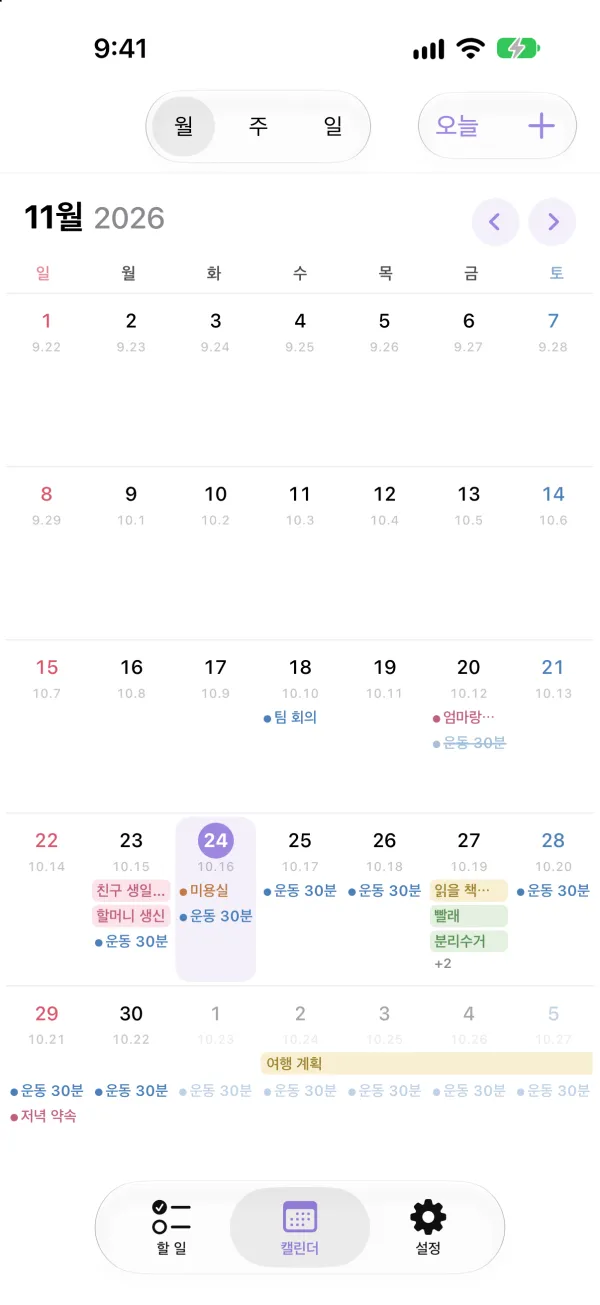
Organize your to-dos and events around the Korean calendar. Lunar birthdays, memorial rites, holidays and substitute holidays all appear right on the calendar. No account and no ads — all your data stays on your iPhone. The app is currently in Korean.
Screens
What you can do
The Korean calendar, as it is
Public holidays such as Seollal, Chuseok and Buddha's Birthday, plus substitute holidays, appear automatically.
Lunar dates at a glance
Every cell shows its lunar date, with leap months marked. Lunar birthdays and rites repeat on their lunar date every year.
To-dos and events together
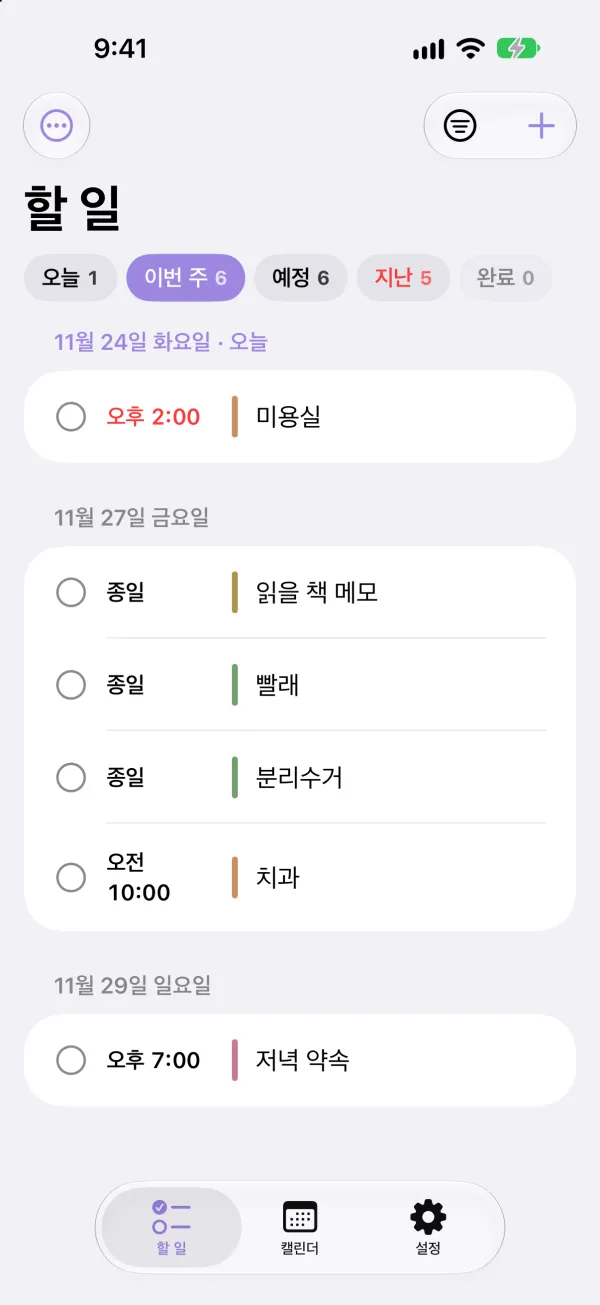
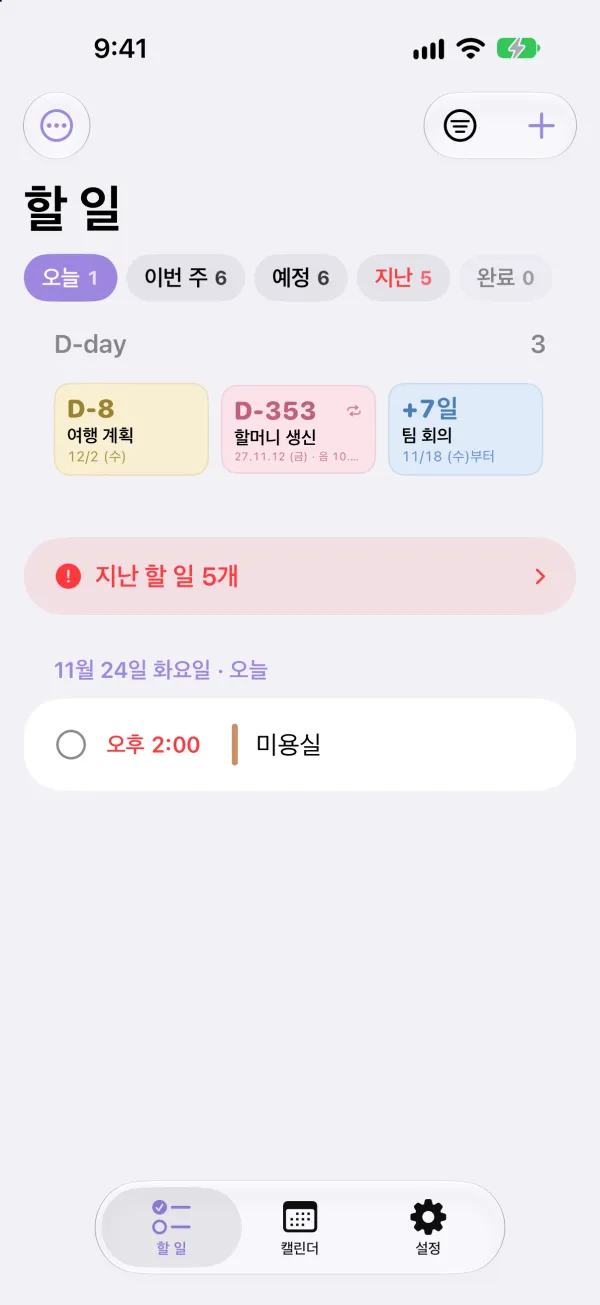
Date-only to-dos, timed events and multi-day plans like trips, all in one place.
Month, week and day views
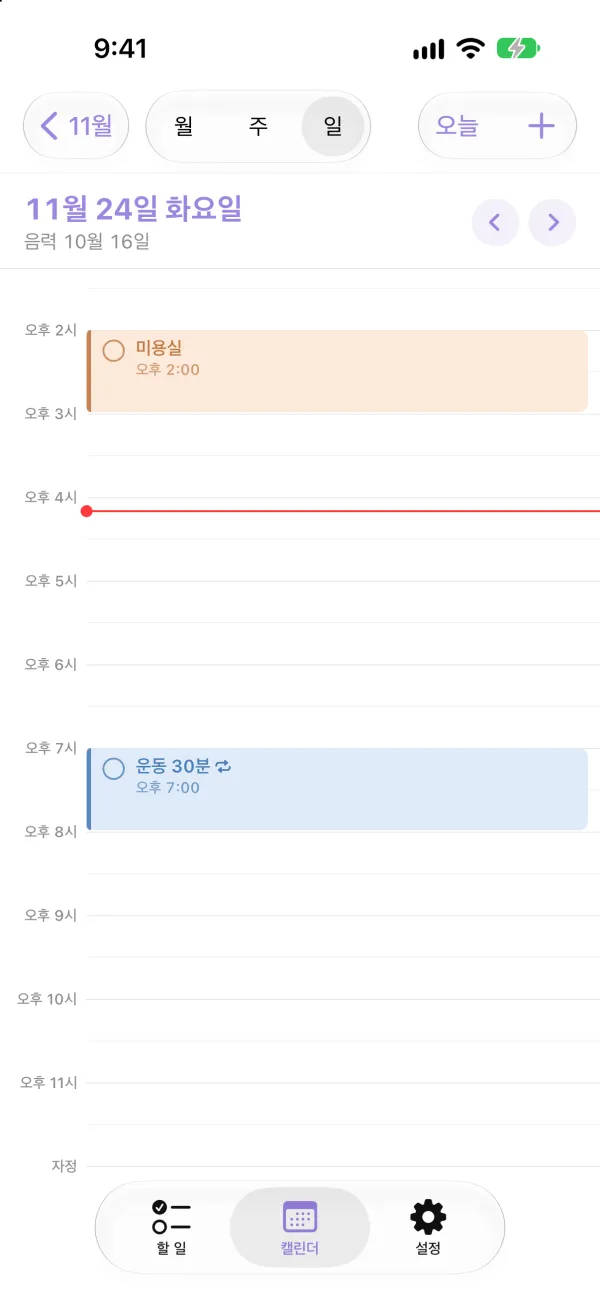
See the whole month at once, or a week and a day as a timetable. Swipe left and right to move.
Reminders and D-days
Reminders ring right on your iPhone, and D-day counters show days left (D-3) and days since (+100).
Backup and restore
Save a backup file anywhere you like, such as iCloud Drive, and bring it back on a new phone.
Premium
- Themes — change the look of the app with color themes
- Custom categories — create categories and change their names, colors and order
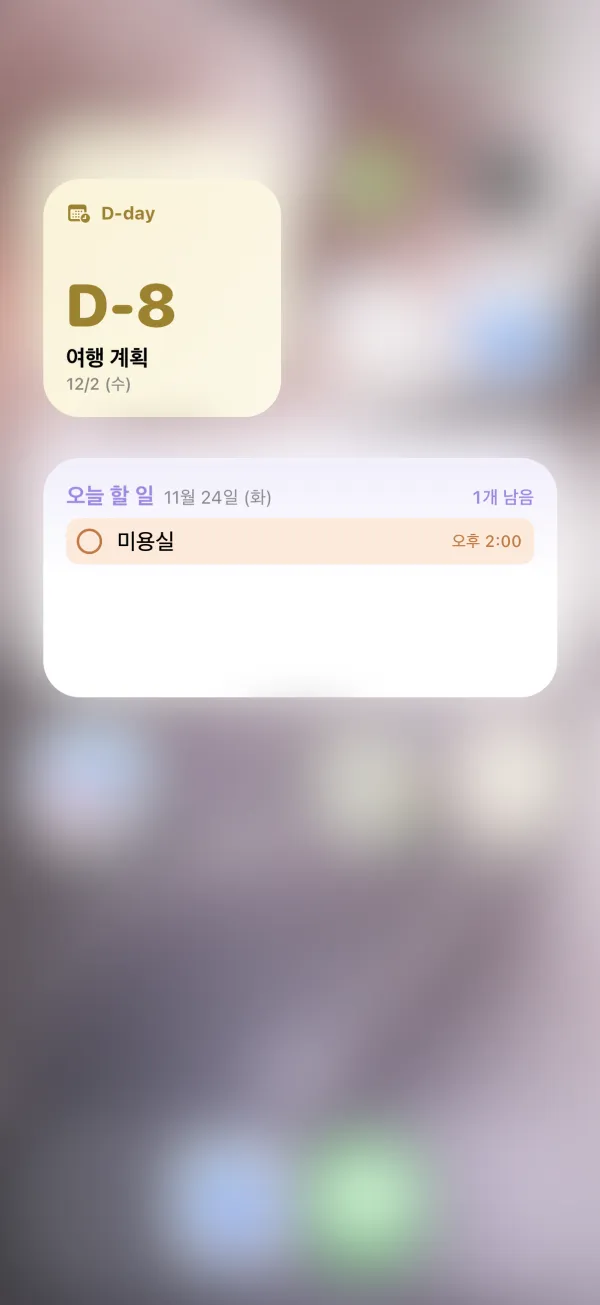
- Home Screen and Lock Screen widgets — see today's to-dos and D-days and check them off
Your data stays on your phone
There is no account, login or server, so the developer cannot see your schedule. No ads, no analytics, no tracking.